Quick Match: Which Shopify AI Tool Fits Your Store?
Pick the job you want help with, then add the priorities that matter most. We'll suggest a starting point from the 16 Shopify tools in this guide.
What do you want help with first?
Choose one main goal, then add up to three priorities. Start with Shopify's free tools when they already solve the problem.
Recommended starting point
Shopify Magic
Best for Shopify sellers who want useful AI writing, image, and admin help without another app subscription.
Start here if you mainly need first drafts, image edits or help with everyday Shopify tasks. It is already built into Shopify, so test what it can do before paying for another AI app.
Also compare: Tidio and Klaviyo
Start with Shopify's built-in AI before adding another subscription. Pick a bottleneck when you know what job you need the next tool to improve.
If you're running a Shopify store, repetitive work can eat up the time you need for the decisions that actually grow it.
Writing product descriptions. Scheduling social posts. Answering 'Where is my order?' messages. Following up on abandoned carts.
It adds up fast.
The right AI tool can speed up that work. The wrong one becomes another monthly subscription you barely use.
We reviewed 16 Shopify AI tools across the jobs that take the most time. The list covers customer service and email, then moves into product pages and SEO. You'll also find tools for social content, translation, and chargebacks.
Each tool below solves a clear problem. We'll also show you the catch, because no app is the right choice for every store.
Best Shopify AI Tools Shortlist
Here's our shortlist of the top AI tools for Shopify in 2026:
- Best for Free AI Inside Shopify: Shopify Magic - Built-in content and image tools draft product descriptions, emails, FAQs, blog posts, and product visuals inside Shopify without another app or separate subscription.
- Best for AI Model Photos: OnModel - AI model swaps, background editing, and batch processing refresh fashion product photos, with 25 free swaps available for testing.
- Best for Customer Service: Tidio - Lyro answers routine questions from store-provided information, while live chat, ticket prioritization, and a help desk keep human support in the same workspace.
- Best for Email and Lifecycle Marketing: Klaviyo - Customer data powers plain-English segments, campaign drafts, predictive analytics, and personalized product recommendations, while pricing scales with active profiles.
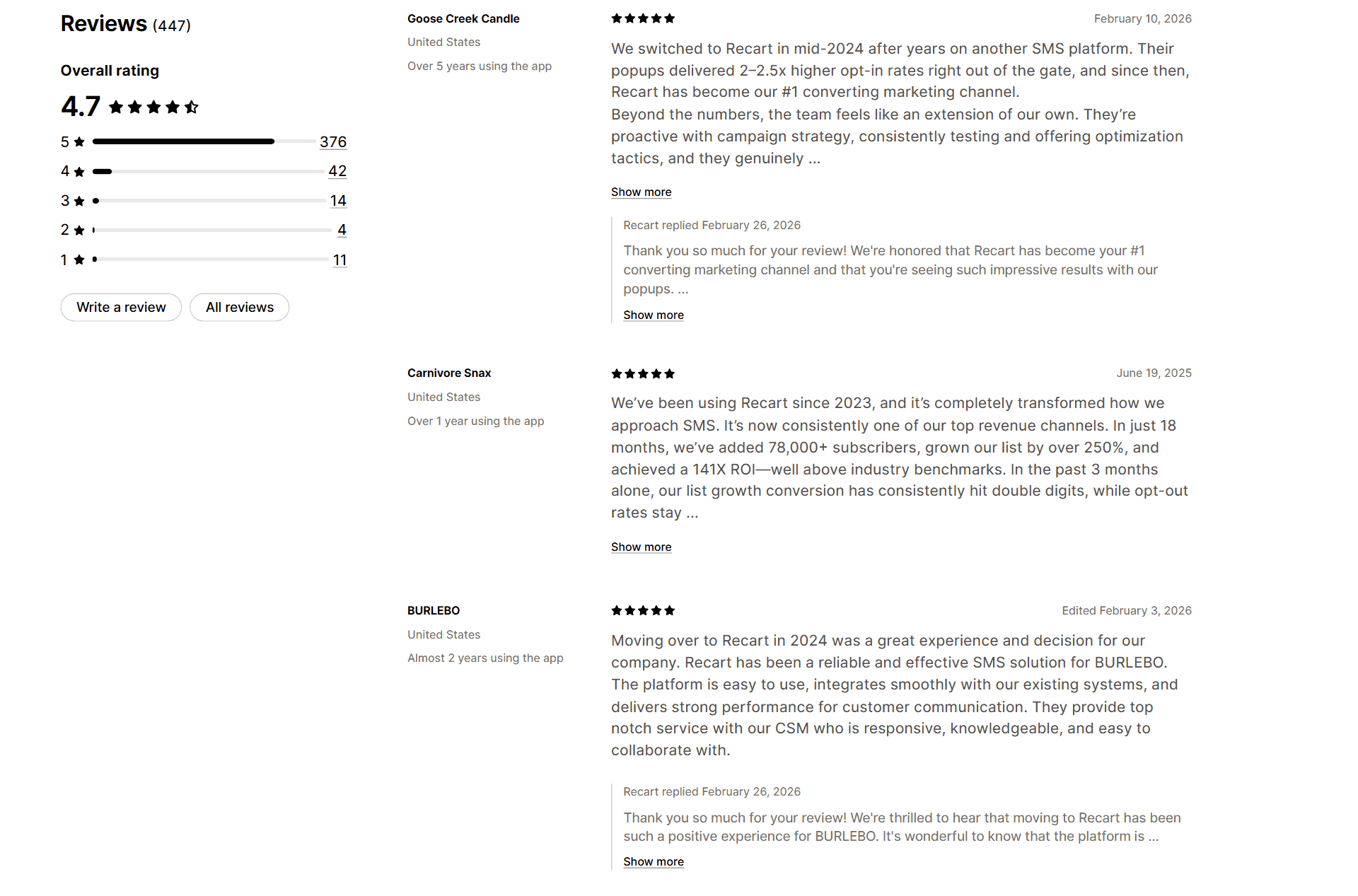
- Best for SMS List Growth: Recart - List-growth popups, automated SMS flows, behavioral segmentation, and strategy support turn subscribers into SMS revenue, but paid service starts at $299 plus messaging charges.
- Best for Product Page Creation: PagePilot - Product URLs become editable Shopify page drafts with copy, images, benefit sections, calls to action, and Facebook ad ideas, but every product claim still needs review.
- Best for AI Store Drafts: Storebuild.ai - Niche, product, and color selections generate an editable Shopify store draft with Zendrop products, reducing blank-theme setup without replacing product or supplier checks.
- Best for Product Videos and Auto-Posting: Minta - Shopify catalog data becomes branded product videos and scheduled posts for Facebook, Instagram, TikTok, and Pinterest, though recent reviews report syncing and auto-posting issues.
- Best for Social Media Automation: Outfy - Images, videos, GIFs, collages, captions, hashtags, and promotional posts automate a broad social content mix, but templates and AI credits can limit heavy publishing.
- Best for Competitor Price Tracking: Intelis - AI product matching monitors competitor listings and applies rule-based repricing with controls for undercutting competitors or protecting minimum margins.
Let's find the Shopify AI tools that are actually worth adding to your store.

Start your store on Shopify
Free 3-day trial + $1/month for 3 months
- Grows with you from first test product to full brand
- Thousands of apps and hundreds of themes to customize your store
- Beginner-friendly editor with pro features when you're ready
No card to start. Cancel anytime.

How we picked these Shopify AI tools
You don't get a useful AI tool just because the feature list is long.
So we used five practical checks when building this list:
- A clear Shopify connection. You should be able to use the tool inside Shopify or connect it directly. Otherwise, it needs to solve a specific Shopify workflow without a clunky workaround.
- A real store problem. You should save time, improve a customer-facing process, or protect your margins.
- Pricing you can understand. You should be able to see the entry price before signing up, so we prioritized tools with public pricing. When usage fees apply, we explain them.
- A reasonable way to try it. A free plan or trial is preferred, although a few specialized tools charge from day one.
- Usefulness for a small ecommerce team. Extra credit went to tools that help with fast product launches and support questions. Catalog work and international selling also mattered.
The best Shopify AI tools: An overview
Don't have time to read every review? Start with this table:
| Tool | Best for | Price per month | Review |
| Shopify Magic | Free AI inside Shopify | Free | Shopify Magic review |
| OnModel | AI model photos | Free / from $9 | OnModel review |
| Tidio | Customer service | Free / from $29 | Tidio review |
| Klaviyo | Email and lifecycle marketing | Free / paid plans scale | Klaviyo review |
| Recart | SMS list growth | Free migration setup / from $299 | Recart review |
| PagePilot | Product page creation | $39 / $59 / $99 | PagePilot review |
| Storebuild.ai | AI store drafts | Free store draft / app from $29.90 | Storebuild.ai review |
| Minta | Product videos and auto-posting | From $5 | Minta review |
| Outfy | Social media automation | Free / from $25 | Outfy review |
| Intelis | Competitor price tracking | From $49 | Intelis review |
| Boost AI | Store search and filtering | From $29 (21-day trial) | Boost AI review |
| SEOWILL | Shopify SEO | Free / from $29.99 | SEOWILL review |
| Octane AI | Product recommendation quizzes | From $50 | Octane AI review |
| Wiser | Upsells and cross-sells | Free / from $9 | Wiser review |
| Chargeflow | Chargeback recovery | 25% of recovered chargebacks | Chargeflow review |
| Transcy | Translation and localization | Free / from $14.90 | Transcy review |
Where AI actually helps a Shopify store
AI is useful when it takes repetitive work off your plate. It's much less useful when you expect it to make important decisions for you.
For most Shopify stores, the strongest use cases are:
- First drafts. Product descriptions and email ideas are faster to start. The same applies to FAQ answers, ad variations, and social captions.
- Repeated customer questions. A support tool can handle routine order, shipping, and policy questions before a human steps in.
- Catalog work. AI can edit images and organize products. It can also draft pages or translate repeated content.
- Personalization. Email and search apps can use customer behavior to show more relevant content. Quiz and recommendation apps can do the same.
But you still need to check the output.
AI can invent product details, flatten your brand voice, or mistranslate a return policy.
A bad answer can reach a customer too. Product claims and legal pages still need a human review, as do refunds and difficult support conversations.
Why dropshipping stores need a different tool stack
Dropshipping adds a few pressures that a normal retail store may not have:
- You test products quickly. New pages and images need to go live quickly. The same applies to ads and email flows.
- Supplier information can be messy. AI can clean up a first draft. You still need to verify materials and dimensions. Check the shipping times and product claims too.
- Support questions repeat. Shipping updates and return questions can take over your inbox as order volume grows.
- You may sell across several countries. Translation and localization become harder to manage with every market you add.
Tip: Start with Shopify's free tools before paying for another app. Add a subscription only when you can name the bottleneck it will remove.
The 16 best Shopify AI tools in 2026
The list mixes broad tools with more specialized ones, so treat the order as a starting point, not a universal ranking.
Use the Best for line to scan for the problem you need to solve. The right tool fixes your most expensive or time-consuming bottleneck.
1. Shopify Magic
Best for: Store owners who want free AI writing and image tools built into the Shopify admin, with no extra app to install.
Not for: Sellers with a large catalog who need product descriptions written in bulk, which is the job Yodel is built for.
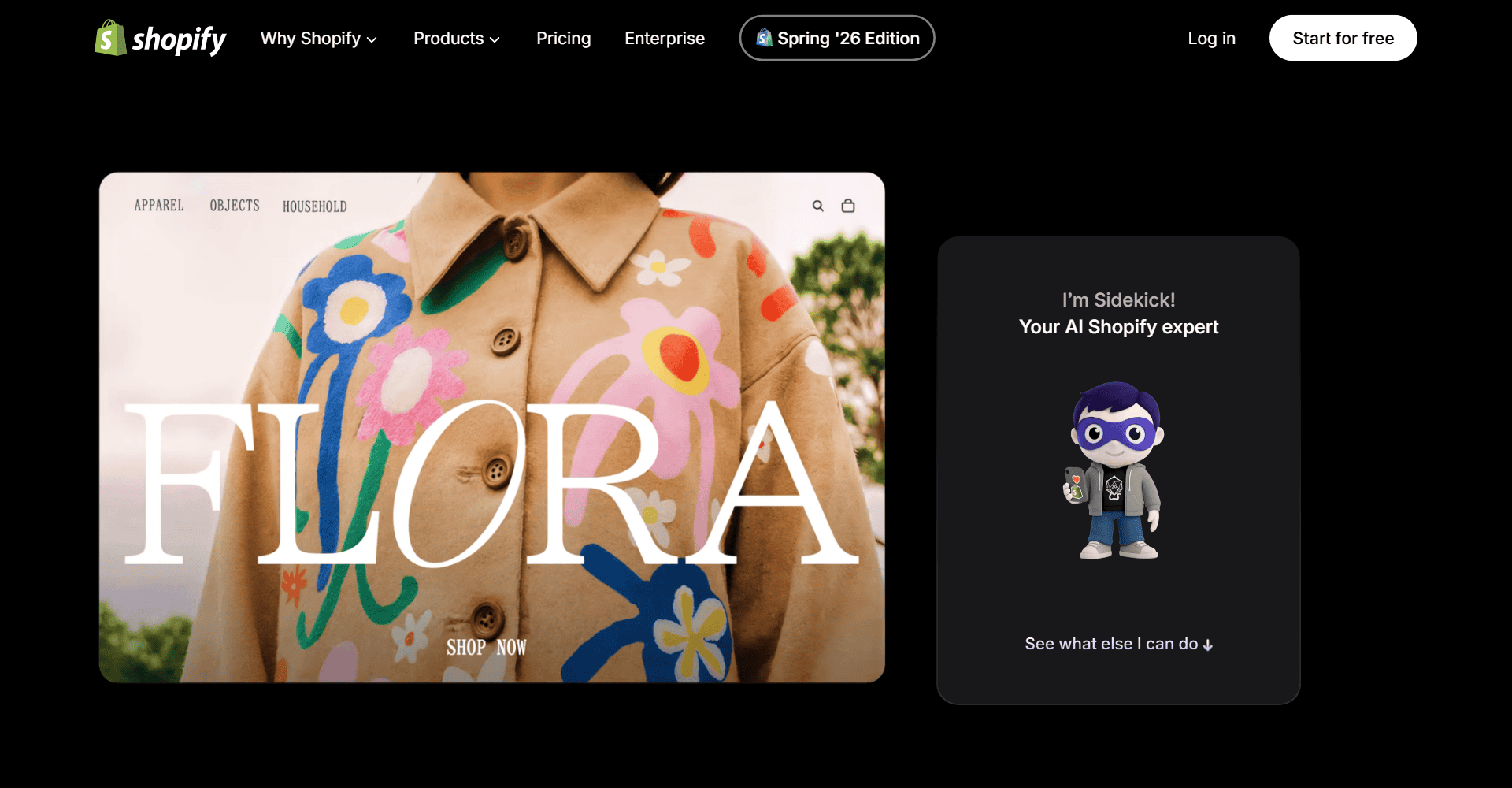
Shopify Magic is Shopify's built-in AI toolkit.
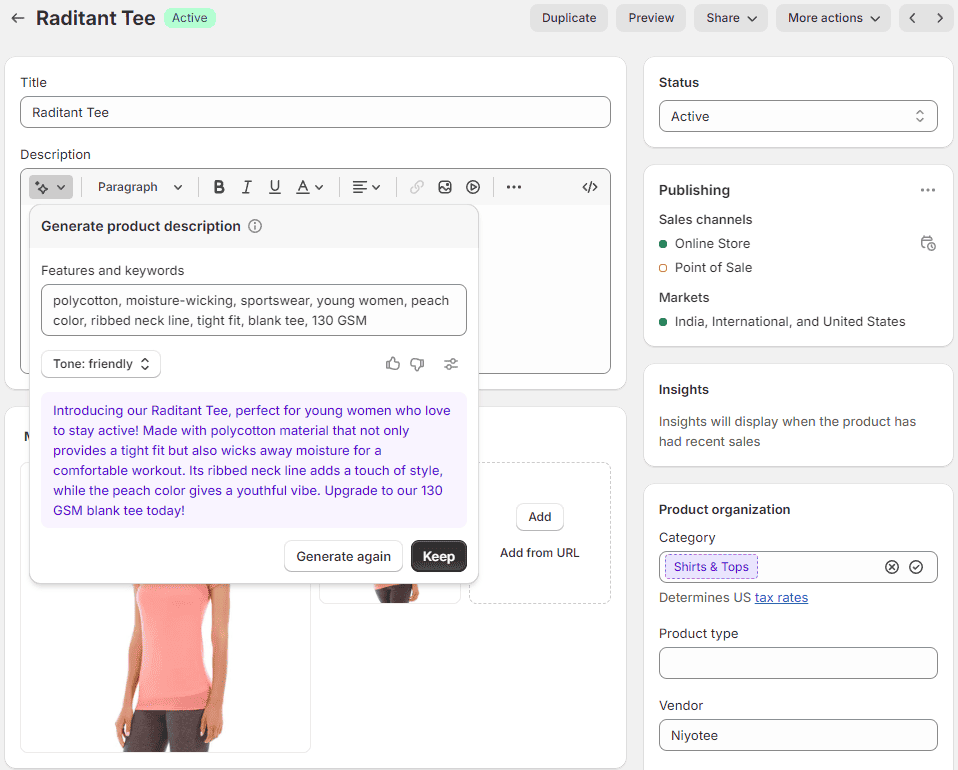
You can use it to draft product descriptions and emails without leaving the Shopify admin. The same tool can help with blog posts, FAQ answers, and other store content.
Shopify Magic can also generate or edit product images, which makes it an easy place to start. There is no extra app to install or separate subscription to manage.
Key features
- Content generation. Draft product descriptions and subject lines. You can also start emails, blog posts, and other store copy.
- Image tools. Generate scenes, remove backgrounds, or edit product images from Shopify's file editor.
- Shopify context. Because it sits inside Shopify, you spend less time copying information between tools.
- Language support. Most Shopify Magic features work across Shopify's supported languages, though early-access tools can vary.
The limit? Shopify Magic is still a first-draft tool. Its copy can sound generic, and it may make a product claim you haven't verified.
Shopify Sidekick: the conversational assistant inside Shopify
Sidekick is the chat-style assistant you may have seen inside your Shopify admin.
You can ask questions such as 'What were my best-selling products last week?' or tell it to help with an admin task, such as setting up a discount.
Shopify reported that more than 750,000 shops first used Sidekick in Q3 2025. By November 2025, it had handled nearly 100 million conversations (Shopify).
Pricing
Shopify Magic and Sidekick are included at no extra charge, although access to specific features can vary by plan.
Media generation in Shopify's file editor is free on all plans for a limited time. Some Sidekick media features require the Basic plan or higher.
We cover the full feature set in our Shopify Magic review.
Alternatives
- Yodel. Better suited to bulk product-description generation when you have a large catalog.
- ChatGPT-AI Product Description. Another bulk option with multilingual description generation.
Note: Shopify also offers Shopify Flow for workflow automation. You can install it from the Shopify App Store. Our guide has 20 Shopify Flow examples.
2. OnModel
Best for: Fashion sellers who want new model photos made from product images they already have, without booking another photoshoot.
Not for: Stores whose products don't go on a person, since OnModel swaps the model in a photo and WeShop AI covers broader product scenes.
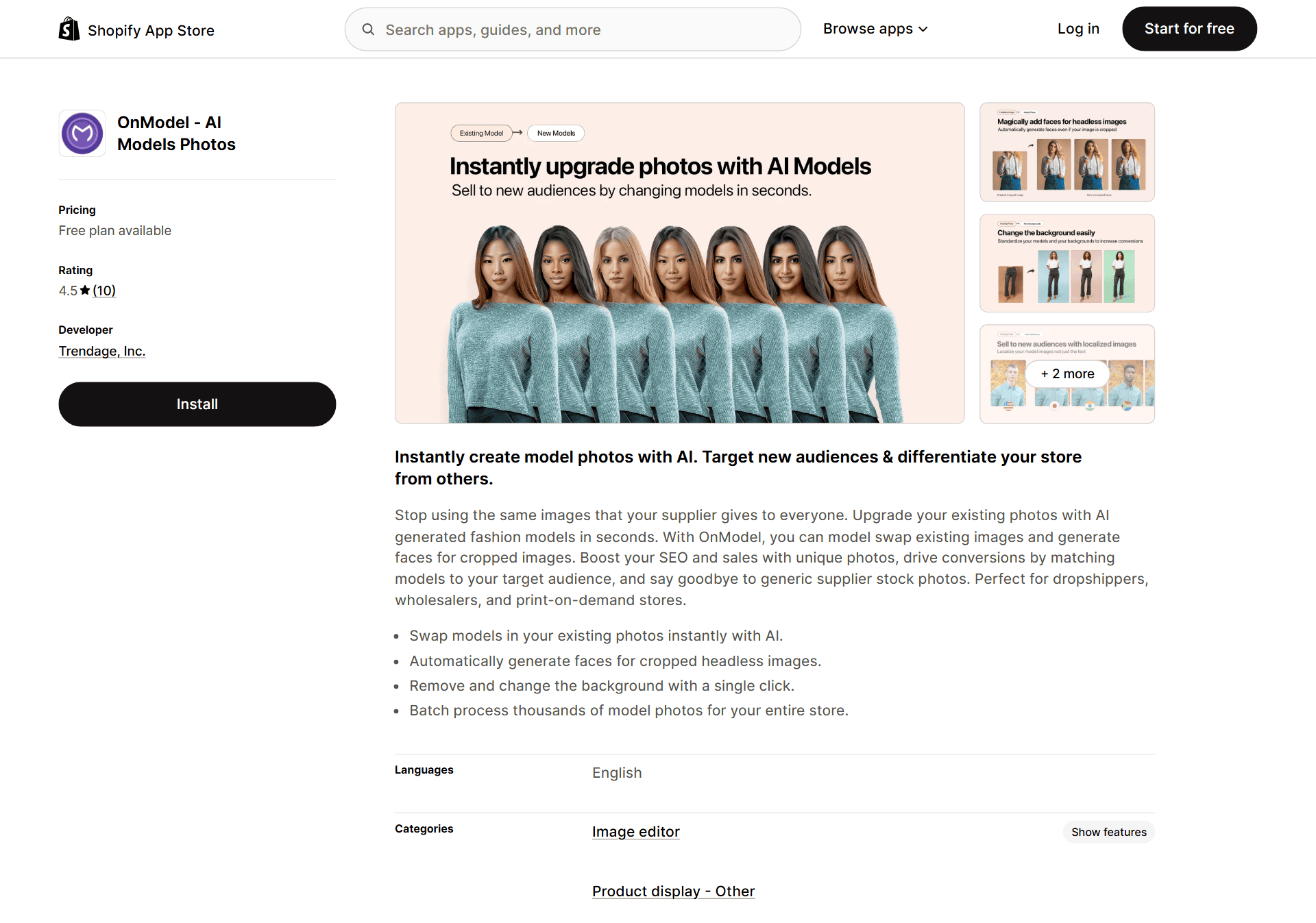
You'll quickly feel the cost of fashion photography, especially when you need several models or fresh images for a large catalog.
OnModel lets you swap the model in an existing product photo without arranging another photoshoot.
You can adjust age and appearance, plus details such as makeup or pose. Gender presentation can be changed too.
It's most useful when your supplier images are consistent, but the models don't match the audience you want to show.
Key features
- Model swaps. Generate new model variations while keeping the clothing or product as the focus.
- Background editing. Remove or replace a product-photo background.
- Batch processing. Apply changes across a larger catalog instead of editing every image one by one.
- Free allowance. The free plan includes 25 model swaps, which is enough to test the output on a small set of products.
The biggest risk is inaccurate detail. AI can change garment edges or fit, while hands and small product details may look wrong.
Check every image at full size before you use it on a product page.
Pricing
OnModel includes 25 free model swaps. Paid plans cost $9 for 300 swaps or $19 for 1,000. The $49 plan includes 5,000 swaps per month.
Alternatives
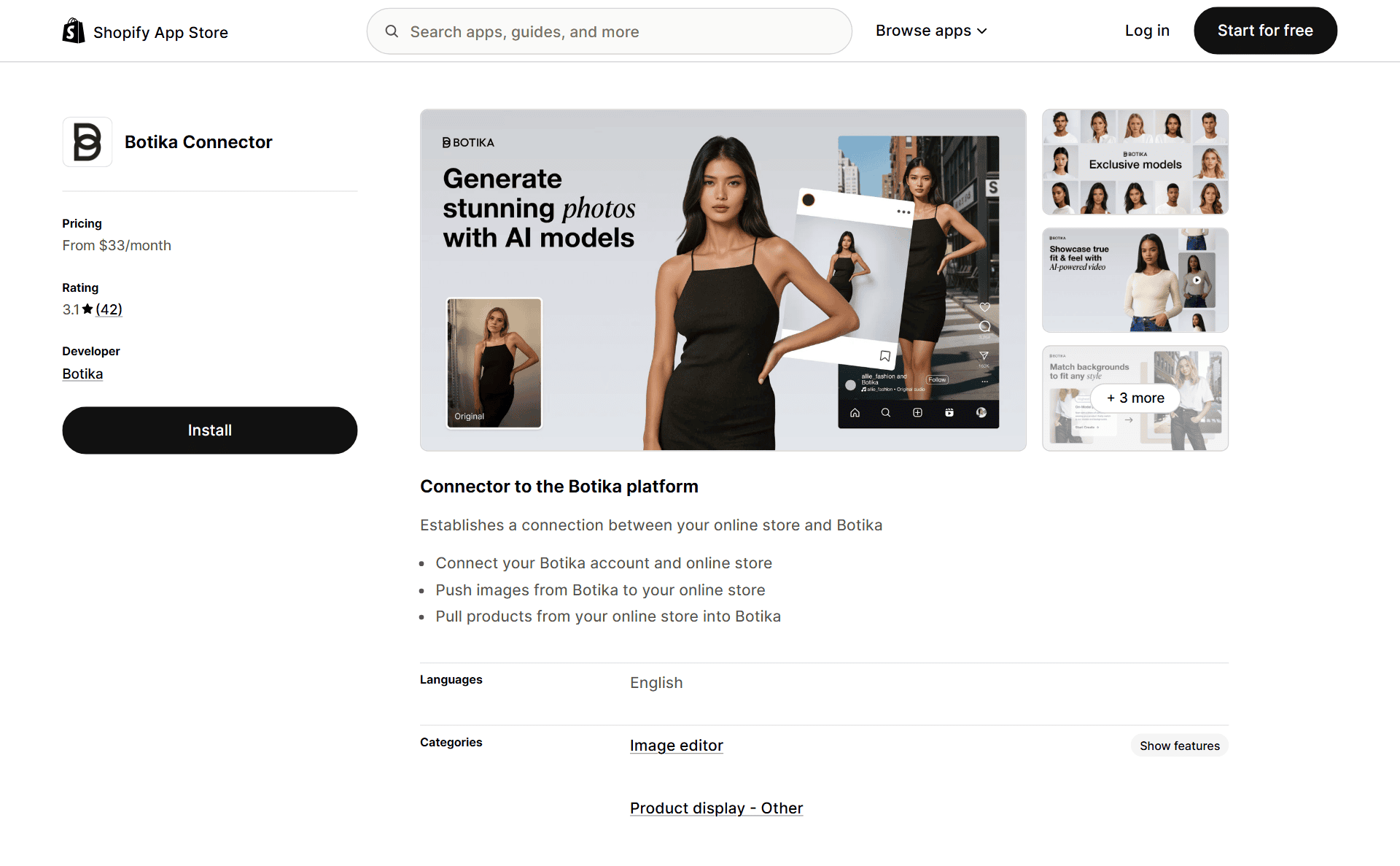
- Botika. Another fashion-focused option for generating models and backgrounds from existing product photos.
- WeShop AI. Useful for broader product-photo scenes and AI model images.
3. Tidio
Best for: Stores that need help answering customer questions once the same shipping and order-status messages arrive every day.
Not for: New stores getting only a handful of questions a week, since Shopify Inbox already covers that.
Before you pay for a support app, try Shopify Inbox. It's Shopify's free chat tool and can be enough for a small store with a manageable number of questions.
Once your inbox becomes harder to manage, Tidio is a stronger step up.
Tidio combines live chat with a help desk and support automations.
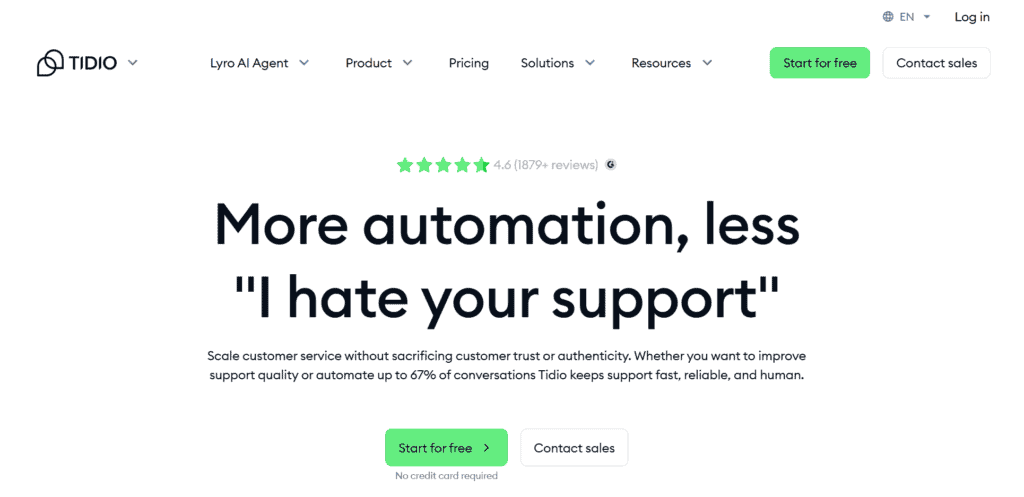
Its AI agent, Lyro, can answer routine questions. Tidio says Lyro can solve up to 67% of customer problems automatically.
That's particularly useful for a dropshipping store where the same order-status, shipping, and return questions arrive every day.
Key features
- Lyro AI agent. Answers routine questions using the store information and support content you provide.
- Reply Assistant. Turns a rough response into a clearer customer-service message.
- Ticket prioritization. Helps your team find the conversations that need attention first.
- Live chat and help desk. Keeps human and automated conversations in one place.
You'll pay more once you add Lyro and higher conversation limits.
Its answers are also only as reliable as the information you give it, so test shipping and refund questions before you let it reply automatically.
Pricing
Tidio's Shopify listing has a free plan. Customer Service and Flows each start at $29 a month, while Lyro starts at $39.
Annual billing lowers the monthly equivalent by 17%. Tidio's direct pricing page uses different bundles, so compare the full cost before you choose.
Alternatives
- Re:amaze. Combines live chat, a help desk, and a knowledge base with AI-assisted support features.
- Gorgias. A Shopify-focused help desk worth comparing when you have a larger support team or high order volume.
4. Klaviyo
Best for: Stores with enough subscribers to make automated email and lifecycle flows worth setting up.
Not for: Sellers who just want to send a simple newsletter, since Klaviyo's segments and flows take planning and tinyAlbert is the simpler pick.

Klaviyo is our top email pick once your Shopify store has enough subscribers to make automated flows worthwhile.
Its AI features help you build segments and draft campaigns. They can also recommend products or predict customer behavior.
The important part is that these tools use your store and customer data instead of writing a generic email in isolation.
Klaviyo's own SMS benchmarks show why automation matters: flows account for 7.6% of SMS sends but 45.2% of SMS revenue (Klaviyo).
One Klaviyo case study reports that Every Man Jack generated 12.4% of its Klaviyo-attributed revenue from predictive insights (case study).
Key features
- Segments AI. Build an audience segment from a plain-English instruction.
- Email AI. Draft campaigns and subject lines from a goal or brief.
- Predictive analytics. Estimate details such as next order date, customer lifetime value, and churn risk.
- Product recommendations. Personalize products shown in email and SMS campaigns.
The trade-off is complexity. A messy list or poorly planned flow can still waste money, even with Klaviyo's AI features.
Pricing also rises with your active profile count, so clean inactive profiles regularly.
Pricing
The free plan covers up to 250 active profiles, 500 email sends a month, and $5 in mobile-messaging credit.
Currently, an email-only plan for up to 500 active profiles starts at $20/month. Pricing then scales with your active profile count. SMS and WhatsApp usage is charged separately.
Alternatives
- tinyAlbert. A simpler AI-first option for drafting and automating email campaigns.
- Mailchimp. Worth considering if your business already uses the wider Mailchimp ecosystem.
- Omnisend. A close alternative with email, SMS, and ecommerce automations.
5. Recart
Best for: Stores that want to grow an SMS subscriber list and turn those numbers into repeat sales.
Not for: New stores still building traffic, since Recart's entry plan and per-message fees only pay off with a subscriber list big enough to earn them back.
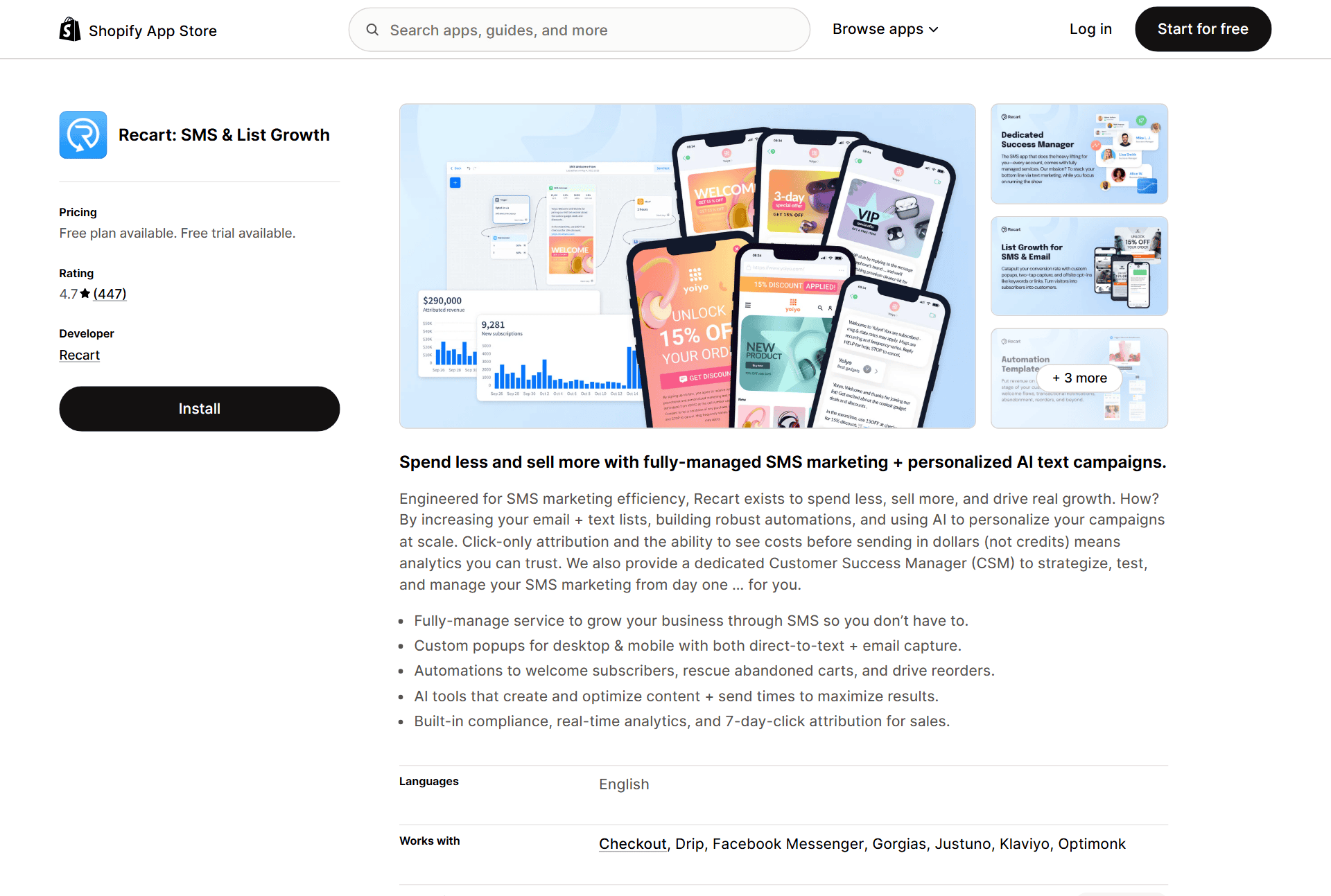
Recart is built around two jobs: collecting more phone numbers and turning those subscribers into SMS revenue.
It combines popups with automated flows and campaigns. You also get segmentation and hands-on strategy support. That makes it more of a managed growth platform than a cheap SMS sender.
Recart's AI drafts messages and helps choose audiences. It can time campaigns or follow up when a subscriber doesn't convert.
Key features
- List-growth popups. Build and test opt-in experiences for collecting phone numbers.
- Automated SMS flows. Set up welcome and cart-recovery messages. You can also automate order updates and win-back campaigns.
- Advanced segmentation. Target campaigns using subscriber behavior and purchase data.
- Strategy support. The paid plan includes one-to-one guidance, which is part of the reason it costs more than a basic SMS app.
Recart isn't a sensible first SMS tool for most new stores. The entry price is high, message charges still apply, and you need enough traffic and subscribers to justify the cost.
Pricing
Recart's free option is designed for migration and onboarding, not ongoing service. It includes list cleaning plus custom popups, flows, and a campaign editor.
The Starter plan is $299 a month and includes a seven-day trial. Usage-based messaging charges are billed on top.
Alternatives
- ONE. Combines email and SMS with popups. It also includes upsells and loyalty features.
- AiTrillion. Another broad retention platform with email and SMS. It also includes loyalty tools and product recommendations.
6. PagePilot
Best for: Sellers who test products often and want a full product page draft built from a product URL.
Not for: Sellers who want a refund option after testing a paid plan, since PagePilot ends refund eligibility once you create or import a page.
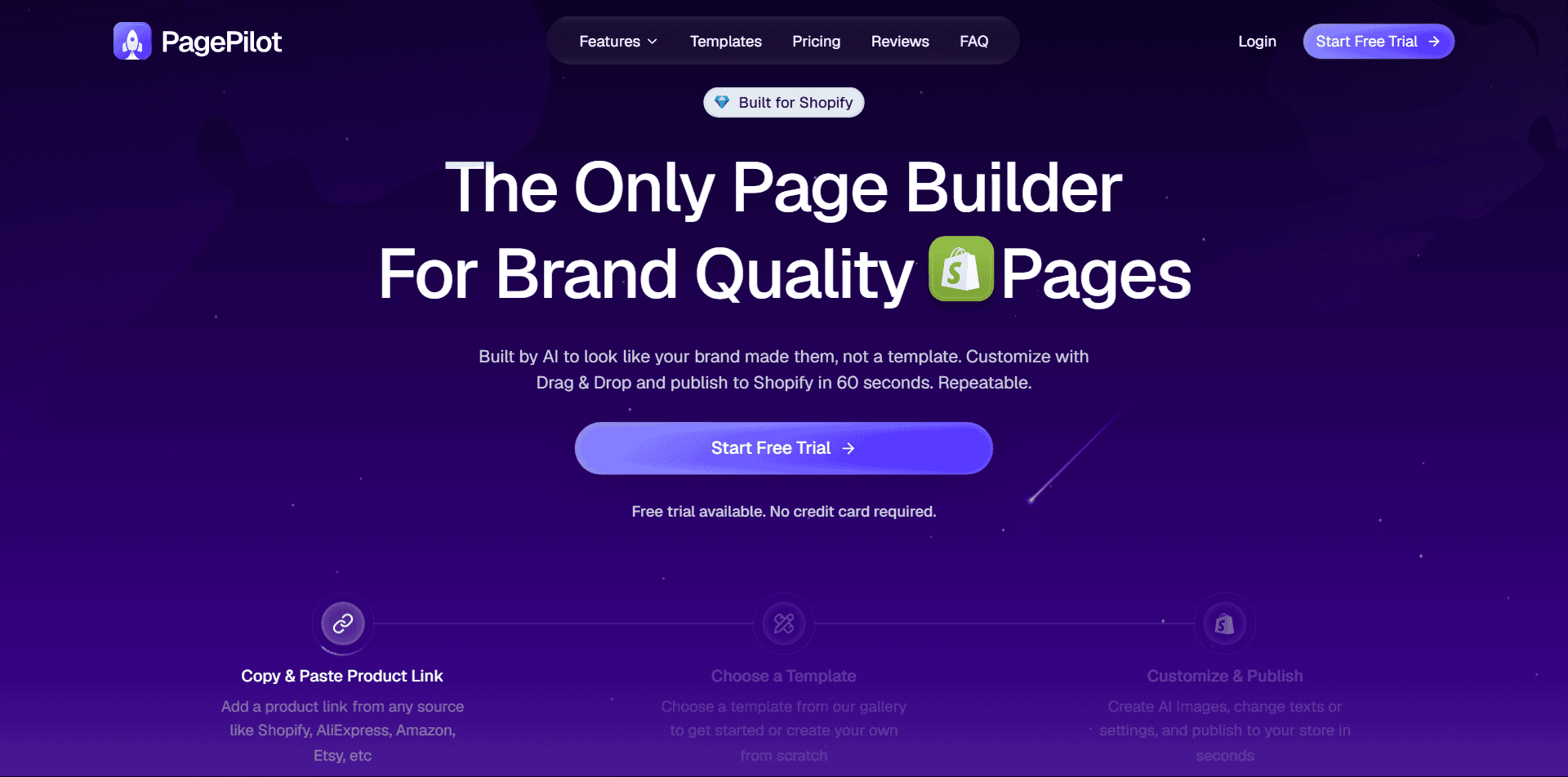
If you test products regularly, PagePilot can remove much of the repetitive page-building work.
You give it an AliExpress or Shopify product URL, and PagePilot builds the layout and copy. The draft also pulls in images and sections you can import into Shopify.
Here is an example using an AliExpress baby towel listing:

You paste the product link into PagePilot:

PagePilot turns it into a fuller product page draft:

The page can be ready in a couple of minutes. Your job is to turn that draft into something accurate and believable.
Key features
- Full product page drafts. Generates a layout and copy from a product URL. It can also add images, benefit sections, and calls to action.
- Ad copy. Creates Facebook ad ideas that match the product page.
- Product library. Includes products the platform has selected for users to explore.
- Shopify import. Moves the generated page into your store so you can continue editing it there.
Do not publish the first version untouched. Supplier descriptions may contain wrong dimensions or exaggerated claims, and generated review-style copy should never be presented as a real customer review.
Pricing
Lite is $39/month, Starter is $59, and Scaler is $99. Paying yearly includes two months free.
You can try PagePilot here.
For a closer look at the workflow, read our PagePilot review.
7. Storebuild.ai
Best for: Beginners who want a first version of their Shopify store built for them instead of a blank theme.
Not for: Sellers who already have their own supplier lined up, since Storebuild.ai's suggested products come out of Zendrop's catalog.
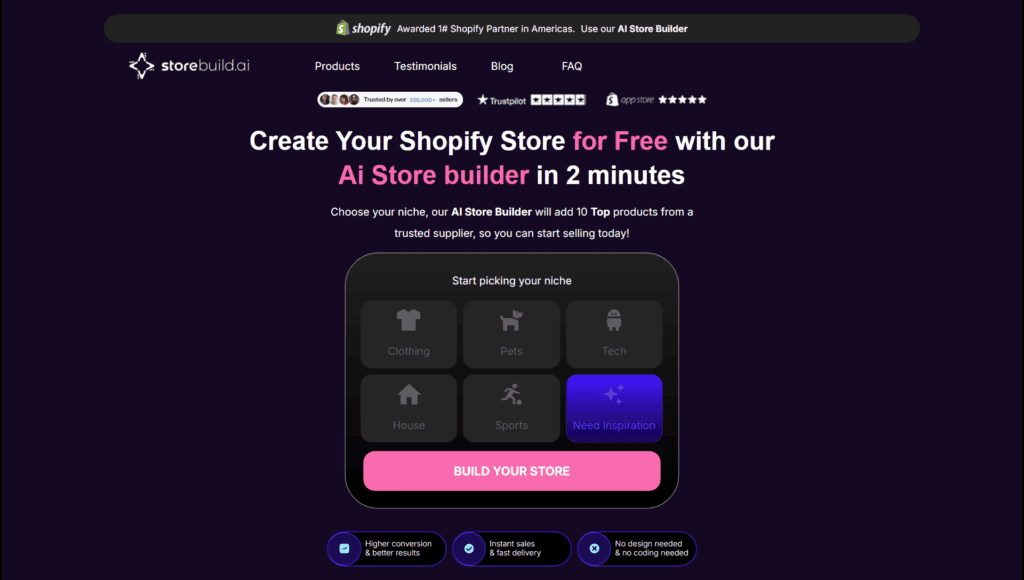
Storebuild.ai is a platform from Zendrop that gives you a Shopify store draft instead of a blank theme.
You choose a niche, products, and colors. Storebuild.ai then creates the first version of your store.
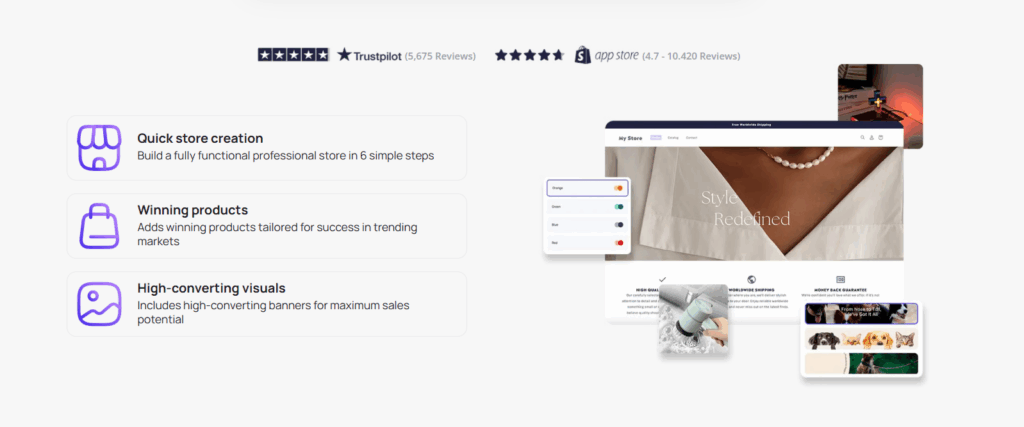
This is useful when the blank-page stage is stopping you from starting. It's not a shortcut around product research, branding, or checking your supplier.
Key features
- Zendrop product connection. The suggested products come from Zendrop's catalog.
- Store draft. Generates a theme setup with sample products and basic branding choices.
- Editable after launch. You can change the design and remove products once the store is inside Shopify. You can also add apps or rebuild the content.

Related article: Zendrop Review: Is It Better Than Using AliExpress in 2026?
The downside is sameness. Other users may start with similar products or layouts, so treat the generated store as a draft, not a finished brand.
Replace the sample content and verify every shipping detail before you run ads.
Pricing
The linked Storebuild.ai store-generation flow is free. You still need to pay for your Shopify plan.
Storebuild.ai also offers a separate Shopify app. Its free allowance includes one AI product page, while the Builder plan is $29.90/month with a three-day trial.
Related article: The Best Shopify AI Website Builders in 2026 by Use Case
8. Minta
Best for: Stores that want a steady stream of short product videos posted to social without editing each clip.
Not for: Sellers who need auto-posting to just run in the background, since recent Shopify reviews flag problems with auto-post reliability and catalog syncing.
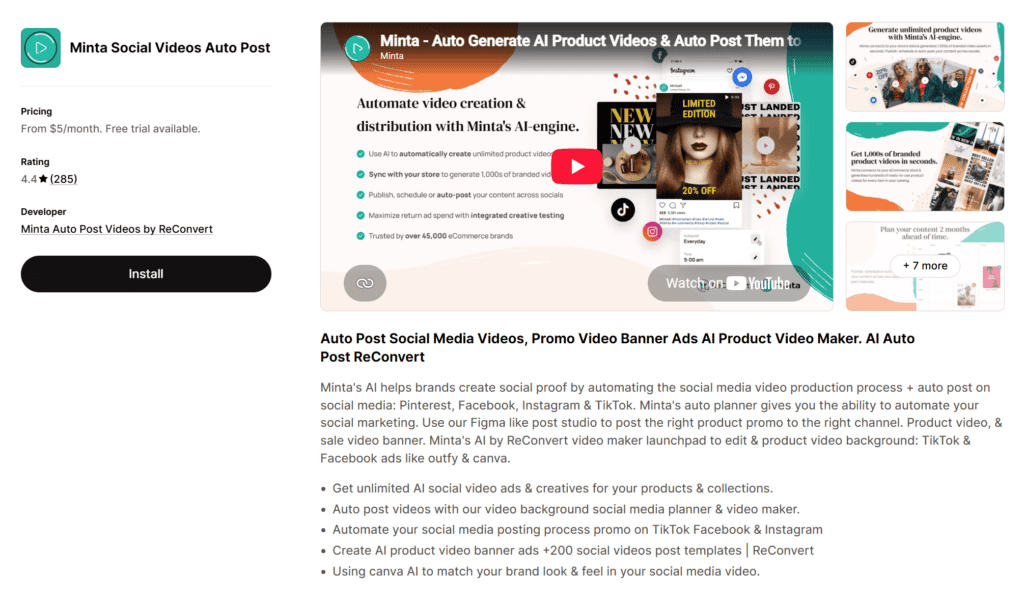
Minta turns products from your Shopify catalog into short social videos and scheduled posts.
It's a better fit than a general video editor when you want a steady stream of product content without rebuilding every clip from scratch.
Minta can create standard product videos and more advanced AI clips. Its content calendar can publish to Facebook and Instagram, with TikTok and Pinterest supported too.
Key features
- Catalog-based videos. Pulls product information from Shopify and turns it into reusable video templates.
- AI video credits. Paid plans include a set number of advanced AI videos each month.
- Auto-posting. Schedules and publishes content across supported social channels.
- Brand controls. Adds your logo, colors, and other basic brand elements to the templates.
Recent Shopify reviews are mixed on auto-post reliability and catalog syncing. Test it with newly added products during the seven-day trial before you choose annual billing.
Pricing
Starter costs $5 a month and includes five advanced AI videos. Pro is $35 for 70, while Growth is $55 for 180. Additional advanced videos cost extra.
Alternatives
- CreatorKit. Focuses more on making image and video creatives than running a full posting calendar.
- Predis. Another option for AI posts and product videos. It also covers UGC-style content and scheduling.
9. Outfy
Best for: Stores that want to automate a mix of social content across several channels.
Not for: Sellers who want hands-on creative control over every post, since Outfy leans on repeatable templates and Predis is built for that.
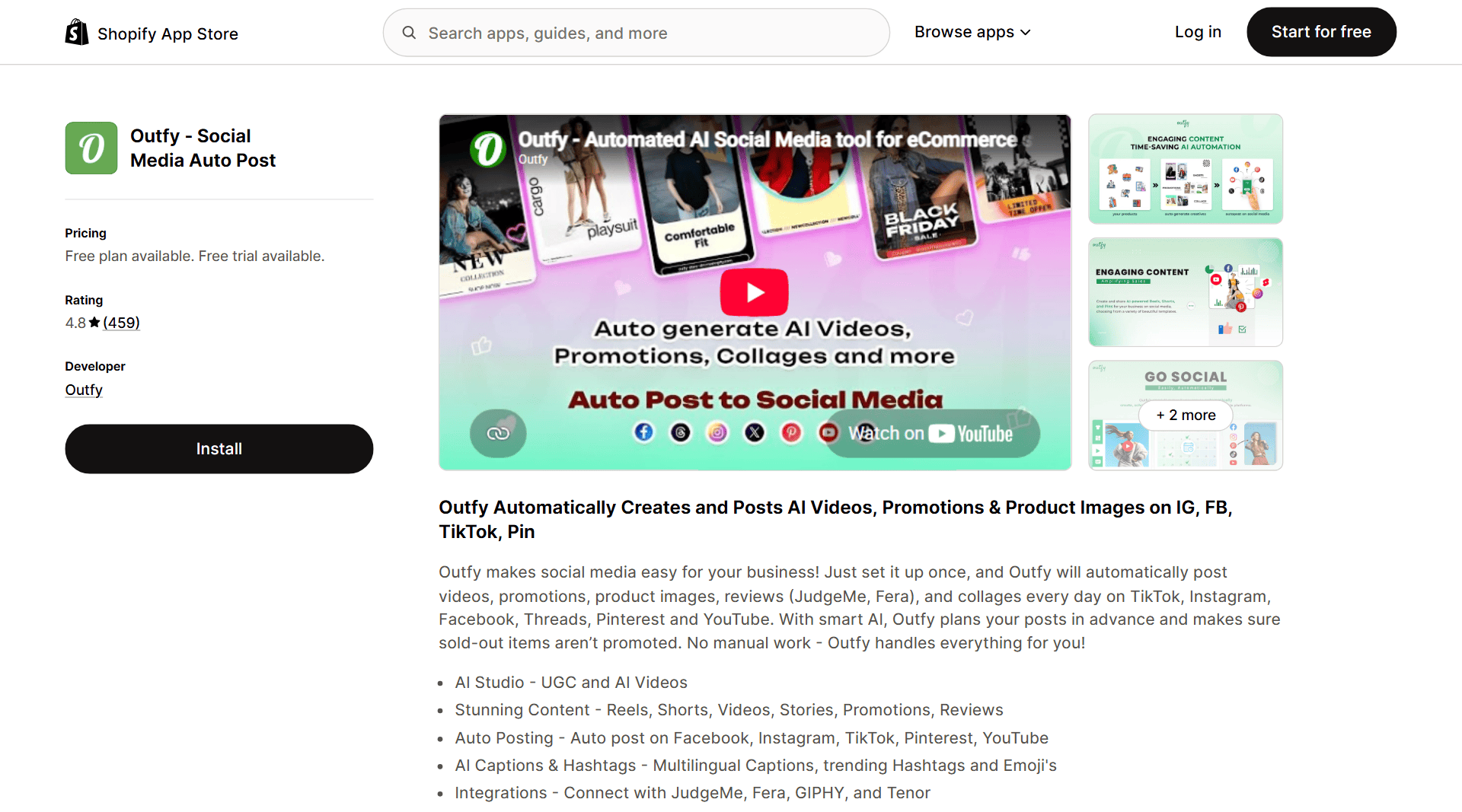
Outfy creates social content from your Shopify products and publishes it from one dashboard.
Minta leans heavily toward product videos. Outfy also creates collages and GIFs, plus promotion posts with captions and hashtags.
Outfy makes the most sense when you want regular catalog posts across several channels without hiring a social media manager.
Key features
- AI Studio. Creates product images, videos, and promotional content from your catalog.
- Automated posting. Builds a schedule and publishes to supported social networks.
- Captions and hashtags. Generates post text in multiple languages.
- Free plan. Lets you test the basic workflow before paying for more credits and automation.
Outfy is built for consistency, not high-end creative direction. Its templates can start to look repetitive, and the AI credit limits matter if you publish heavily.
Pricing
Outfy has a free plan. Paid plans cost $25/month for Starter, $40/month for Pro, or $70/month for Ultimate.
Alternatives
- Predis. A stronger option when you want more UGC-style content and hands-on creative controls.
10. Intelis
Best for: Stores that want competitor price tracking and automatic repricing.
Not for: Stores selling private-label products that no competitor lists, since Intelis prices by matching your items against other retailers' listings.
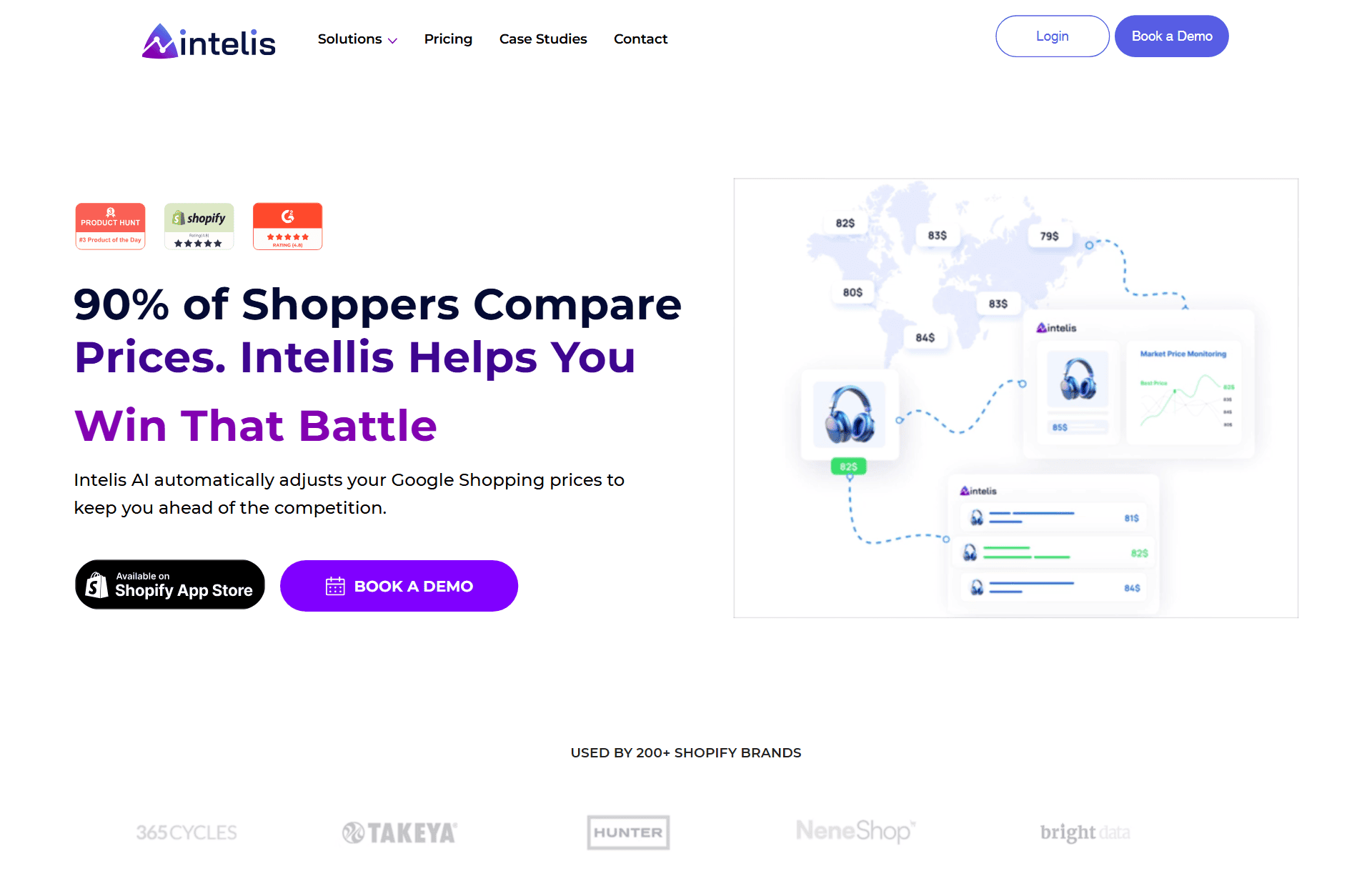
Checking competitor prices by hand is manageable for five products. It becomes a full-time job with hundreds of variants.
Intelis matches your products with competitor listings, tracks price changes, and updates your Shopify prices based on rules you set.
Intelis makes the most sense in a price-sensitive niche where shoppers compare the same products across several stores.
Key features
- AI product matching. Connects your products and variants with comparable listings from other retailers.
- Dynamic pricing. Adjusts prices based on rules such as staying below a competitor or protecting a minimum margin.
- Competitor discovery. Helps find stores selling the same products.
- Channel monitoring. Tracks pricing across marketplaces and shopping channels supported by the app.
Automatic repricing can start a race to the bottom. Set a firm margin floor, check product matches, and review large price changes before they go live.
Pricing
Intelis starts at $49/month for up to 100 products or variants. Higher tiers cost $179, $249, and $399. Annual billing saves 17%.
Alternatives
- Prisync. A well-known competitor-monitoring alternative with repricing tools.
11. Boost AI
Best for: Stores that want AI search and filtering across a large product catalog.
Not for: A 20-product store where shoppers can see the whole catalog without ever using the search bar.

Imagine a customer searches for 'protect my laptop.' A basic keyword search may focus on laptops.
A semantic search should understand that the shopper probably wants a sleeve or case.
Boost AI improves Shopify search and collection filters. It also handles merchandising and product recommendations.
You'll get more value from it as your catalog grows. A store with 20 products rarely needs the same search layer as a store with 2,000 variants.
Key features
- Semantic search. Uses the meaning behind a query instead of relying only on exact keywords.
- Custom filters. Builds collection and search filters around the attributes that matter to your catalog.
- Merchandising rules. Pushes new or popular products into stronger positions. You can also prioritize in-stock or higher-margin items.
- Product recommendations. Adds related and frequently bought together suggestions.
Because pricing follows online GMV, the bill can rise quickly.
Check your Shopify search reports before installing it. You need evidence that shoppers are struggling, not just an impressive feature list.
Pricing
Boost AI offers a 21-day trial. Launch starts at $29 a month and rises to $159 for stores with monthly GMV below $50,000. Convert starts at $299, while Accelerate starts at $699.
Alternatives
- Rapid AI. A more focused alternative for search and filters.
12. SEOWILL (formerly SEOAnt)
Best for: Stores that want automated Shopify SEO checks and fixes in one app.
Not for: Stores whose real problem is that nobody searches for their products, since SEOWILL fixes technical housekeeping and can't create demand.
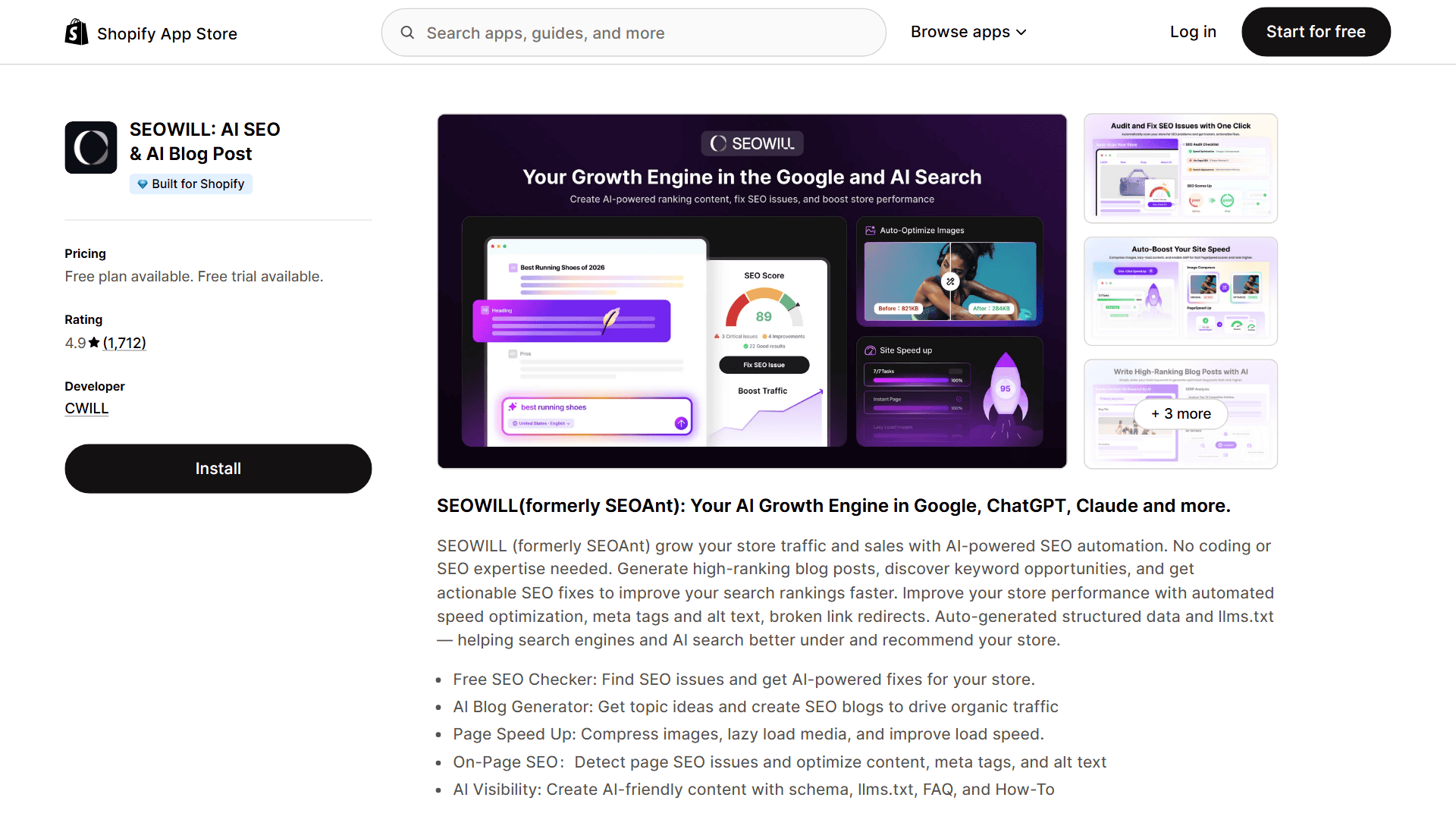
SEOWILL is the current name of the app previously known as SEOAnt. You may still see the old name in older screenshots, links, and reviews.
SEOWILL helps with the technical and repetitive parts of Shopify SEO.
You can use it to audit your store and compress images. The app also flags broken links, helps add structured data, and drafts SEO content.
Key features
- Store audit. Checks common speed and metadata issues. It also looks at canonicals, links, and content.
- Image SEO. Compresses images and helps fill missing alt text.
- Broken-link tools. Finds bad URLs and helps you manage redirects.
- AI content features. Drafts metadata and blog content that you can edit before publishing.
An SEO app can fix technical housekeeping. It can't create search demand or earn strong links for you.
Treat generated copy as a draft and avoid publishing thin pages just because the app can make them quickly.
Pricing
SEOWILL has a free plan. Pro costs $29.99/month, while Premium costs $59.99. Annual billing reduces both paid plans by 20%.
Alternatives
- SearchPie SEO. Another broad Shopify SEO app with technical checks and support.
13. Octane AI
Best for: Stores that want product recommendation quizzes to guide shoppers to the right item.
Not for: Stores with a handful of simple products, where shoppers don't need a quiz to make up their mind.

A quiz earns its place when shoppers need guidance before choosing a product.
Octane AI lets you ask those questions, recommend products based on the answers, and send the results to tools such as Klaviyo.
This works particularly well for skincare and haircare, but it can suit supplements or gifts too. The same applies to any category where the best choice depends on the customer.
Quiz answers are often called zero-party data because customers share the information directly.
That can be more transparent than inferred third-party data, but it is not automatically GDPR-compliant. You still need a lawful basis and clear privacy information.
Key features
- AI quiz builder. Helps generate questions and recommendation logic from your products.
- Insights Analyst. Lets you ask questions about imported review and customer data.
- Marketing integrations. Sends quiz answers to Klaviyo, Zapier, and other connected tools.
- Design controls. Lets you adjust the quiz layout and images. You can also edit the fonts and CSS.
Octane AI is expensive for a small store. It's also unnecessary when customers can choose between a few simple products without help.
Pricing
Basic costs $50 for 400 credits or $100 for 900, and both options limit you to two quizzes. Plus costs $200 for 2,200 credits or $350 for 4,500.
Both Plus options include unlimited quizzes. Enterprise starts at $500, while Unlimited costs $2,000 a month. A 14-day trial is available.
Alternatives
- Quizell. A lower-cost quiz builder to compare before paying for Octane AI.
- Tangent. Built for beauty stores that want selfie-based skin analysis and recommendations.
14. Wiser
Best for: Stores that want upsells and cross-sells across more of the customer journey.
Not for: Stores that just need related products on the product page, since Shopify's own Search & Discovery app already covers that.

Shopify can already show related and complementary products through its free Search & Discovery app on compatible themes.
You'll get more from Wiser when you want extra recommendation types and more placements across the customer journey.
It can use browsing and purchase behavior to recommend products on product pages or in the cart. Recommendations can also appear after checkout and on order-status pages.
Key features
- Behavior-based recommendations. Uses browsing and purchase activity to adjust suggestions.
- Post-purchase offers. Shows an extra offer after the original order is placed.
- Recently viewed products. Helps shoppers return to products they considered earlier.
- Several placements. Adds recommendations beyond the basic product-page block.
A small catalog may do just as well with Shopify's free recommendations and a few manual choices.
Wiser becomes more useful when you have enough products, orders, and browsing data for personalization to matter.
Pricing
Wiser is free for stores with up to 50 monthly orders. It costs $9/month for 51 to 100 orders, $19 for 101 to 300, and $49 for 301 to 500. A 14-day trial is available.
Alternatives
- Addly. Uses recent purchase data to build upsells, cross-sells, and bundles.
- Yotpo. Worth considering when reviews and loyalty matter as much as the upsells themselves.
15. Chargeflow
Best for: Stores that want chargebacks disputed and recovered for them.
Not for: Stores that want to stop fraud before it becomes a chargeback, since Chargeflow starts after the dispute lands and SEON works earlier.

A chargeback costs more than the order value once you include staff time, evidence gathering, and payment-processing risk.
Chargeflow connects to Shopify and your payment providers, builds the dispute response, and submits it for you.
Chargeflow's own 2024 report projects global chargeback value to rise from $33.79 billion in 2025 to $41.69 billion by 2028 (Chargeflow).
The platform says merchants recover more disputes with its AI-assisted process.
Key features
- Automatic evidence collection. Pulls order and tracking information into the dispute response. It can also use payment and customer details.
- Multiple integrations. Works with Shopify and PayPal. It also connects with Stripe and other ecommerce systems.
- Central dashboard. Keeps disputes from several payment providers in one place.
- Performance pricing. Chargeflow Automation charges only when it recovers a dispute.
The 25% fee becomes expensive on a large recovered dispute. Chargeflow also treats the symptom, not the cause.
You still need to fix whatever is driving the disputes, such as slow shipping or an unclear billing descriptor. Weak tracking and poor support can create the same problem.
Pricing
Chargeflow Automation takes 25% of each recovered chargeback. If it loses the dispute, there is no recovery fee.
Prevent includes 1,000 free orders, then costs $0.20 per order. Alerts uses separate pricing for each prevented chargeback.
Alternatives
- SEON. Focuses on spotting fraud before an order becomes a chargeback.
- Kount. Another fraud-prevention option for stores with more advanced risk needs.
16. Transcy
Best for: Stores that want translation and localization across many languages and currencies.
Not for: Stores that only need one or two extra languages, since Shopify's Translate & Adapt app already handles up to two.

You'll struggle to sell internationally if customers can't understand the product page or see a familiar currency.
A 2020 CSA Research survey of 8,709 consumers found that 76% preferred product information in their own language.
The same survey found that 40% wouldn't buy from a website in another language (CSA Research).
Shopify's free Translate & Adapt app can automatically translate up to two languages. You can add more translations manually, but the workload grows quickly.
Transcy is built for stores that need more languages, currencies, and localization controls. Its current Shopify listing supports 147+ languages and 169 currencies.
Key features
- Store translation. Translates products and collections. It also covers pages and other supported Shopify content.
- Currency conversion. Shows visitors a localized display currency based on location or selection.
- Image localization. Lets you show different product or promotional images for different markets.
- Multilingual SEO. Helps create translated URLs and metadata for supported content.
Automatic translation still needs a human review. Check product claims and sizes, then review ingredients and return wording.
Shopify also warns that Translate & Adapt doesn't automatically translate policies, so legal pages may need professional help.
Pricing
Transcy has a free plan. Local Plus is $14.90/month, Regional is $29, and Continental is $69.
Alternatives
- LangShop. Another Shopify translation app with translation history and localization tools.
- T Lab. A lower-cost alternative for translating store content and showing localized currencies.
General-purpose AI tools for Shopify: ChatGPT, Claude, and Jasper
You've now seen 16 tools that connect a specific AI feature to a Shopify workflow.
You'll still have work that doesn't fit neatly inside one app. A general-purpose tool can help with first drafts and research, then support planning and internal processes. Support macros are another useful fit.
Here's the simplest way to separate the main options:
- ChatGPT. The most flexible starting point for product-description drafts and ad variations. It can also help with FAQ ideas and image concepts. Spreadsheets and everyday problem-solving are useful fits too. A free plan is available, while Plus is $20 a month. Usage limits still apply.
- Claude. Particularly useful for longer documents and careful editing. It also handles brand-voice work and large amounts of source material well. Claude Pro is $20 a month in the US.
- Jasper. Built more directly for marketing teams that need shared brand controls and repeatable campaign workflows. Pro is $69 a month per seat, or $59 a month when billed yearly.
One practical workflow is to give ChatGPT or Claude your product specifications, source material, and brand voice guide.
Ask for a first draft, then verify every claim before it reaches the store.
A 2023 experiment published in Science found that people using ChatGPT for professional writing tasks finished about 40% faster and received quality scores about 18% higher (Noy and Zhang, 2023).
That doesn't guarantee the same result for every ecommerce task, but it supports using AI for a well-briefed first draft.
Don't paste sensitive customer data into a general AI tool unless your account, permissions, and data settings support that use.
Related article: How to Use ChatGPT for Dropshipping in 2026
How to build your Shopify AI tool stack
You don't need 16 AI tools.
Start with the free stack. Then add one paid tool when you can point to the exact job it needs to improve.
Start with the $0 AI stack
- Shopify Magic and Sidekick. Product-copy drafts and image work. They can also help with store questions and simple admin tasks.
- Shopify Inbox. Live chat and basic support automation.
- Klaviyo free plan. Your first email list and automated flows.
- ChatGPT free plan. Flexible drafting and problem-solving outside Shopify.
The total is $0 beyond your normal Shopify plan.
Use that setup until a real bottleneck appears. Paying early doesn't make the store more advanced if nobody uses the app properly.
Add one paid tool when the bottleneck appears
- Product pages take too long: Add PagePilot.
- Support questions are taking over your day: Compare Tidio with Shopify Inbox and your current help desk.
- You need product videos every week: Test Minta. Choose Outfy when you want a wider mix of social formats.
- Customers can't find products in a large catalog: Use Boost AI after checking your search reports.
- You sell across several languages: Add Transcy when Shopify Translate & Adapt becomes too limited.
- Competitor prices move constantly: Use Intelis with a strict margin floor.
- Chargebacks take too much staff time: Compare Chargeflow's 25% recovery fee with the cost of handling disputes yourself.
- Customers need help choosing a product: Compare Octane AI for quizzes and Wiser for recommendations.
Before you add another subscription
- Write down the current cost. How many hours, missed sales, or refunds does the problem create?
- Run one clear test. Pick a 30-day goal such as faster first replies or two hours saved per product launch.
- Count the full price. Include message fees and extra AI credits. Count contact or GMV tiers, too. Don't forget staff time.
- Cancel weak tools. If nobody can show what improved, remove the app before it becomes permanent overhead.
Tip: Add one tool at a time. A smaller stack that your team understands will usually beat a larger stack full of half-configured apps.
Shopify AI tools FAQs
What is the best free AI tool for Shopify?
Shopify Magic is the best free place to start because it's already built into Shopify. It can draft product descriptions and emails. It also helps with blog posts and other store content.
Sidekick can also answer questions about your store and help with supported admin tasks. You should still review every output before publishing it. Shopify Inbox is another useful free tool when your main problem is customer chat rather than content.
Which Shopify AI tools should a beginner use first?
Start with Shopify Magic and Shopify Inbox. Add Klaviyo's free plan and a free ChatGPT account. That covers basic content, chat, and email without adding another monthly bill.
Add a paid app only when a specific job takes too much time or costs you sales. For example, PagePilot makes more sense when you launch products often, while Tidio makes more sense when support volume is the problem.
Can AI run a Shopify store automatically?
No. AI can draft content and answer routine questions. It can also organize data or automate repeated steps. It cannot safely replace product verification or supplier checks.
Keep a person in control of product claims and policies. Refunds and pricing rules also need oversight. The same applies to difficult support conversations.
Are paid Shopify AI tools worth it?
You'll know a paid tool is worth it when the result is worth more than the full monthly cost. That might mean hours saved on every product launch, more support questions resolved, or chargeback revenue recovered.
Count usage fees and higher pricing tiers as well as the headline subscription. Run one clear test for 30 days. If you can't show what improved, cancel it.
Final verdict
There's no reason to install every tool on this list.
If you want one place to start, use Shopify Magic. It's free, already inside Shopify, and useful for the widest range of basic tasks.
Your first paid tool should follow the bottleneck. Choose Klaviyo when email becomes a real channel, Tidio when support volume is the problem, or PagePilot when frequent launches take too long.
Our recommendation: Start with the free stack and track where your time disappears. Then pay for the tool that removes that exact problem. That's a better AI strategy than collecting apps because they sound impressive.
Want to learn more about Shopify?
Ready to keep improving your Shopify store? These guides are a good next step:
- 8 Best Print on Demand AI Tools in 2026 (Free & Paid)
- Do You Need a Business License to Sell on Shopify? (2026)
- The 15 Most Popular Shopify Apps in 2026 (Backed by Data)
Plus, don't miss our complete guide to starting a Shopify store.